
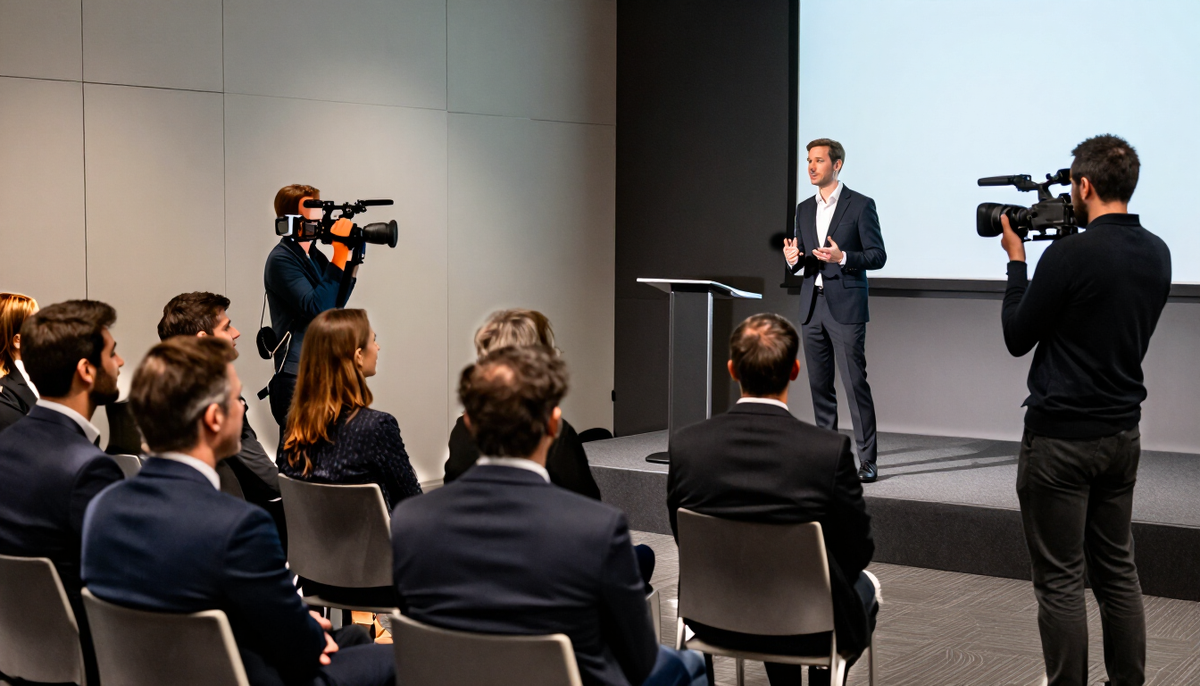
Events / Conferences / Videography
Conference videography in Connecticut
Conference video lives or dies by its sound. This page covers how audio, session recording and edit formats are planned with your venue and AV team, and what to decide before the cameras arrive.
Start with audio
A speaker's voice is the main content of most sessions. If the audio is thin, the video is hard to use. The first conversation is with the venue's AV provider about how sound reaches the room.
A common first choice is a feed from the house mixer, so the recording matches what the room hears. Where that is not possible, a separate microphone on the speaker or a recorder near the lectern can serve as backup. Ask the venue what they allow and agree on it before the day.
Audio setups to ask about

Mixer feed
A cable from the house board to the camera or recorder. Cleaner than room sound, but depends on venue permission.
Lavalier microphones
Small clip-on mics on speakers. Good for interviews and smaller sessions.
Audience microphones
Hand mics for questions. Plan how they are captured so questions are audible.
Room backup
A recorder placed away from loudspeakers as insurance, with some echo.
Questions before you decide?
Tell us what you want to make and where it will be used. We will talk through the plan with you.
What sort of film do you need
Conference video is often a family of pieces rather than one film. Decide which ones you need, because each has a different plan and edit.
Event recap
A short film with b-roll, crowd reactions and snippets of speakers. Works for websites and next-year promotion.
Full session recordings
Long-form video of keynotes or panels, with clean sound and slides if possible.
Speaker clips
Short excerpts of memorable remarks for social posts.
Interviews
Brief on-site conversations with speakers, sponsors or attendees, shot in a quiet corner.
Slides, screens and stage lighting
Projected slides and LED walls can flicker on camera and wash out the stage. Ask the AV team about screen settings and whether a clean slide feed can be sent to the recording. Often the edit combines a speaker shot with the slide images for a clear view.
Stage lighting is usually designed for the room, not the camera. Faces may be bright or shadowy. We check the light during setup and adjust, but a conversation with the lighting operator helps.
Pacing and the edit
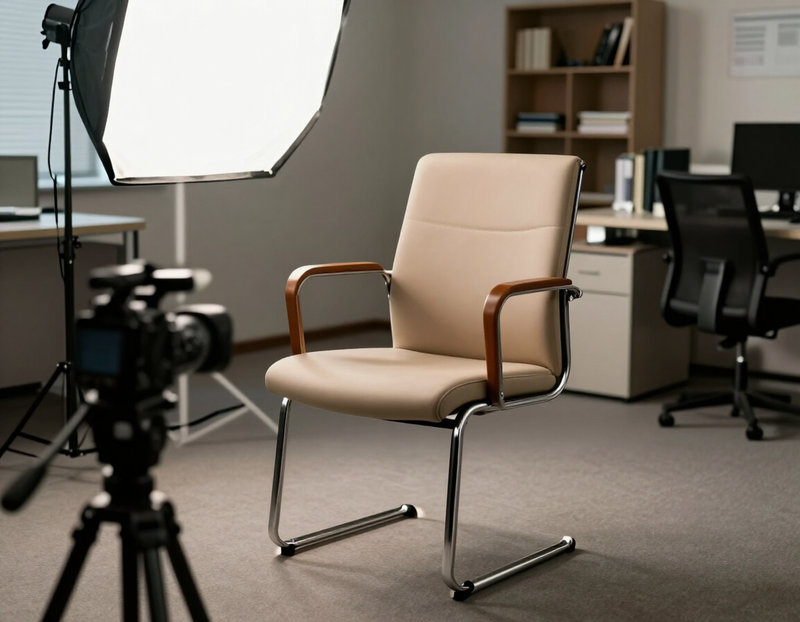
A recap film holds attention when it moves. Short cuts of the crowd, a few spoken lines, and natural sound from the floor give a sense of being there. Long speaker sections slow it down.
Plan the structure with the person approving the film. Decide whether it opens with a speaker, a crowd shot or a simple title. Tell us about tone: formal for an association, lively for a trade show.
Music, speaker content and rights
- Music in the final film needs a license or royalty-free source. Confirm what is planned and who pays for it in the quote.
- Background music played by the venue during sessions can cause problems in recordings.
- Speaker presentations may include third-party images or slides. Check with speakers about public use.
- Confirm which sessions may be shared publicly and which are for attendees only.
- Decide where long recordings will be hosted and who controls access.
Files, sharing and screening

Decide what file formats you need for the website, social platforms and on-site screens. If the recap will play at next year's opening or at a board meeting, tell us about the screen and playback equipment so we can match resolution and aspect ratio.
Large video files are usually shared by private link. Confirm who gets access, how long links stay active and whether raw footage is an option, so the written quote reflects it.
What to ask on the first call
Bring these to the first conversation. The answers shape the coverage and the quote.
- The name of the AV vendor and whether we can get a mixer feed.
- Which sessions need full recording and which only need highlights.
- How slides will be handled and whether a slide feed is available.
- Whether speakers agreed to be recorded and published.
- The length and style you imagine for the recap film.
- Where the film will play, such as the website, social or an on-site screen.
- Any music you want or a music source already approved by your team.
- Whether livestreaming is needed, since it changes the setup.
Also see conferences photography
Conferences photography
Conference photos need to show the size of the event and the people behind it. We cover speakers, audiences and the in-between moments that give it life.
How photography works
Other events we cover
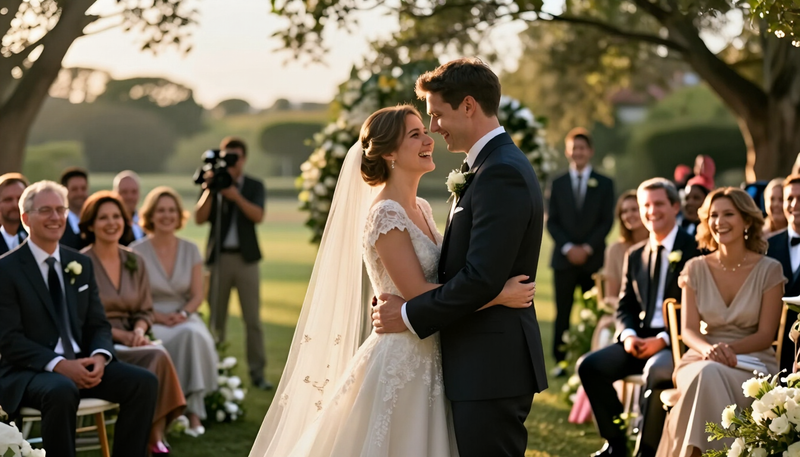 WeddingsPhotos and film that hold on to the people, the promises and the small moments of your day.
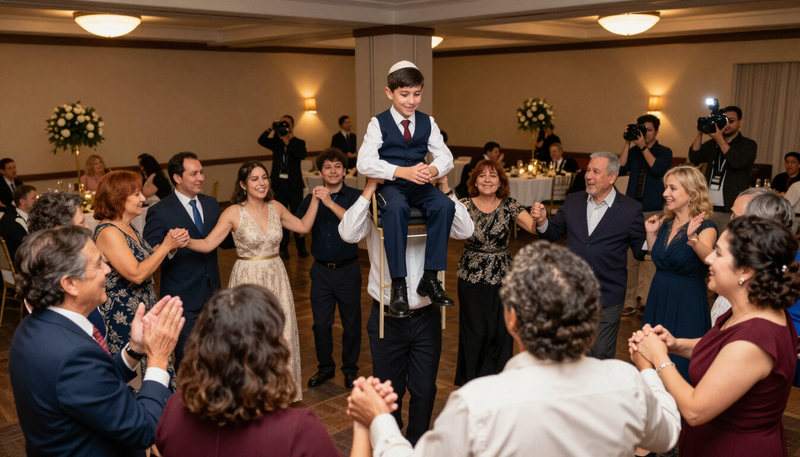 Bar and Bat MitzvahsCoverage of the service, the celebration and the milestone moments that make the day a family memory.
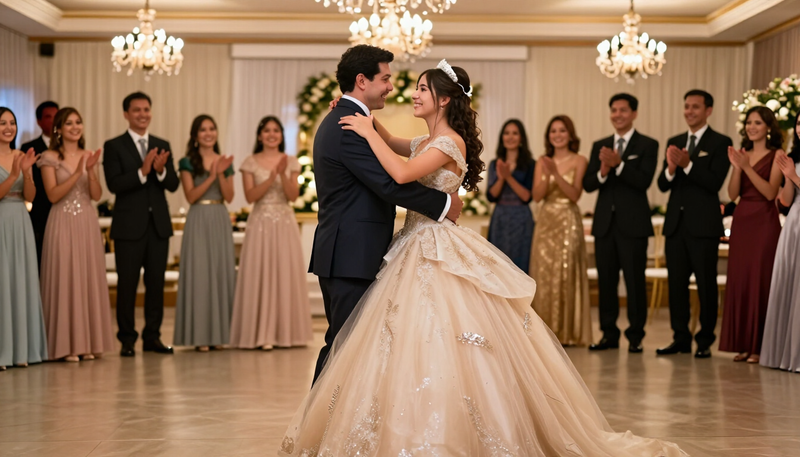 QuinceañerasPhoto and film of the traditions, the dances and the celebration of a girl's fifteenth birthday.
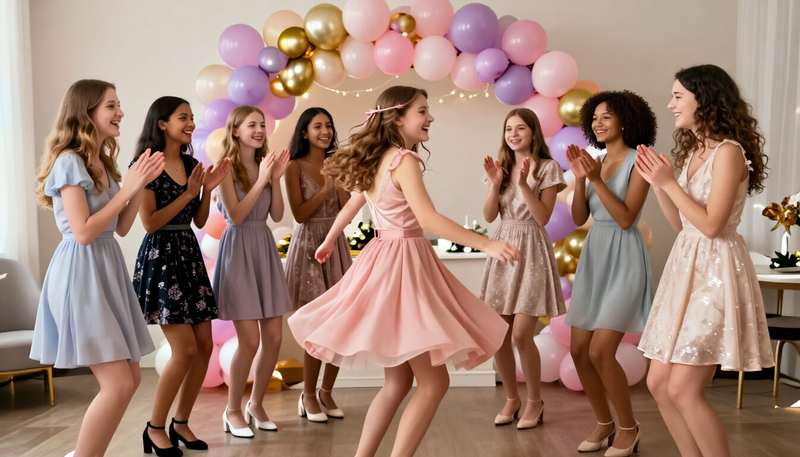 Sweet 16sFun, stylish coverage of a milestone party planned around the birthday teen and her friends.
 BirthdaysNatural, joyful coverage of birthday parties for kids, adults and milestone celebrations.
 GraduationsThe walk, the cap toss and the hugs that follow.
 Bridal showersThe laughter, gifts and games before the big day.
 Baby showersGifts, games and the first glimpse of a growing family.
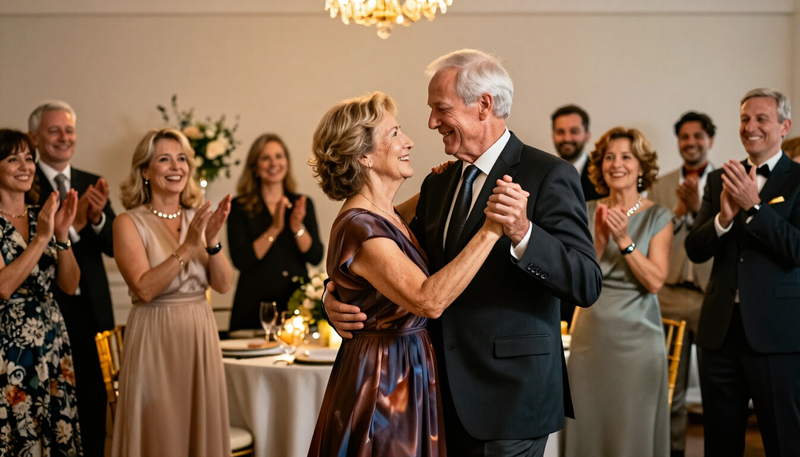 AnniversariesYears together, told through people and stories.
 Holiday partiesSeasonal gatherings, from family dinners to company parties.
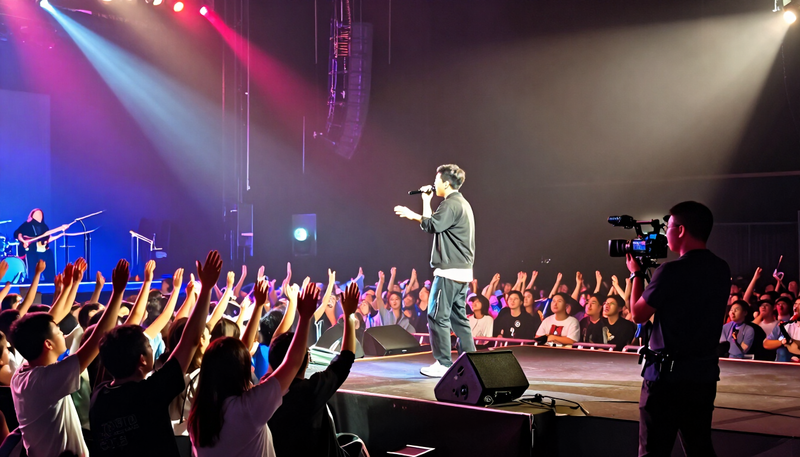 ConcertsCapture the energy of the stage and the crowd in front of it.
 PromsRemember the night with portraits, dancing and the details.
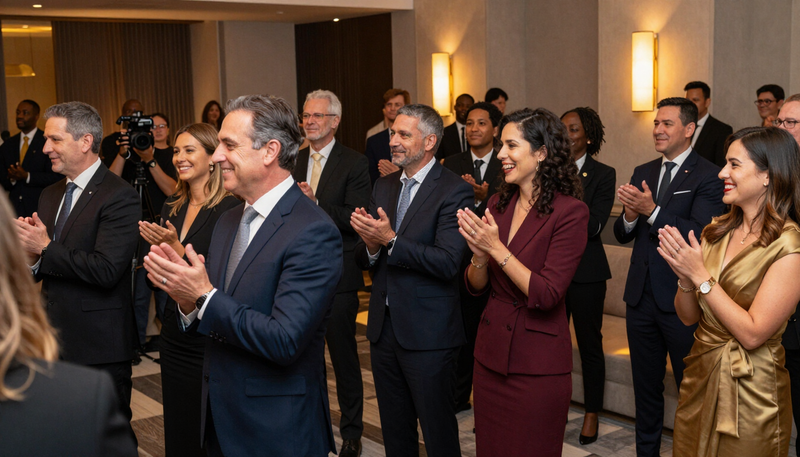 Corporate eventsDocument company milestones, launches and team gatherings.
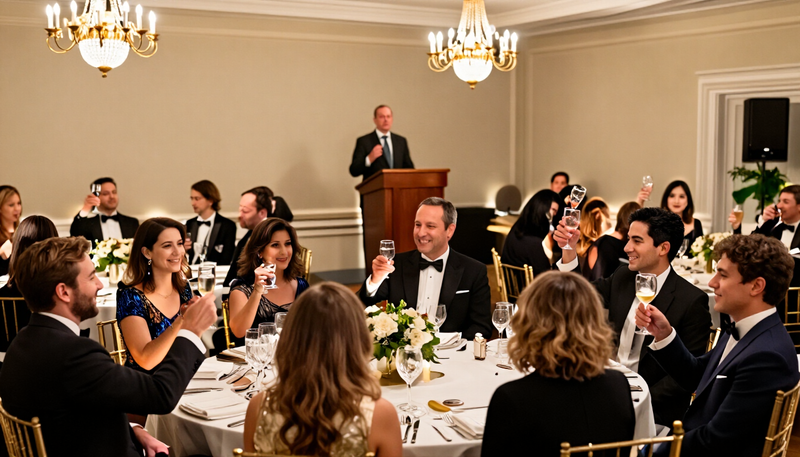 Fundraisers and galasTell the story of your cause and thank the people who gave.
Common questions
Can you record multiple sessions at once?
Only if the plan includes enough people and cameras for each room. A single operator can record one room at a time. Confirm the number of rooms in the written plan.
Do you provide microphones?
Audio is part of the plan we agree on. We will tell you what microphones are planned and which parts rely on the venue's equipment. Confirm details before the day.
What if the venue will not give us an audio feed?
We use the backup approach, such as a recorder near the lectern or a clip-on microphone on the speaker. Sound quality may differ, so it helps to discuss this ahead of time.
Can we get the slides in the video?
Often yes, either by recording the screen or receiving slides from the speaker. Check whether the presenters allow it, because slides sometimes include material owned by others.
Can you edit a short promo for next year's registration?
That is a common request. We plan clips and a recap with that use in mind. Confirm the length, platforms and music before editing starts.
Do you offer livestreaming?
Livestreaming is an option to discuss, not an assumed service. It needs reliable internet, extra equipment and a clear plan, so raise it early.
Ready to plan your conference videography?
Tell us what you want to make and where it will be used. We will talk through the plan with you.
Keep exploring
Tell us what you want to make.
Email tyler@legendphotoandfilm.com or call 860-255-8802.
Talk about your project