
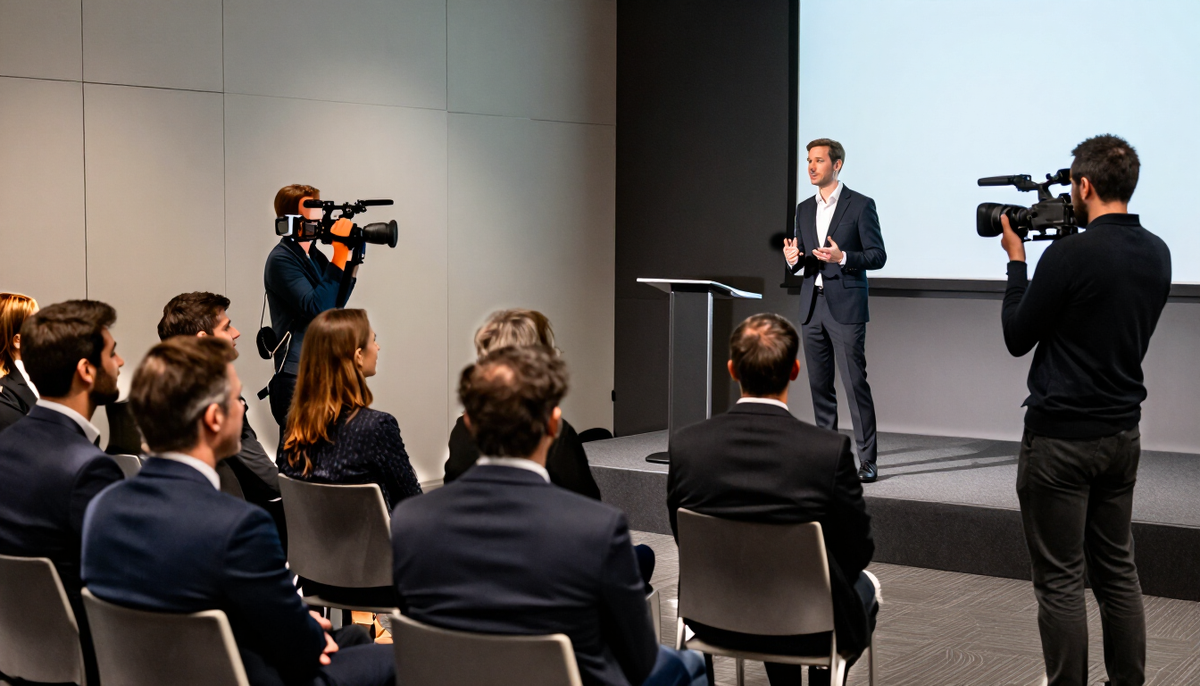
Events / Conferences
Conference photography and videography in Connecticut
A conference runs in many rooms at the same time, and no single person can be everywhere. This page helps you decide what to cover with photos, what to cover with film, and how to brief the people doing it.
Photo, film or both for a multi-room event
Photography and video answer different questions for an organizer. Photos fill the website, the sponsor recap and next year's save-the-date. Video carries the speakers' words, the energy of the main stage and the sound of the room.
If your budget only stretches to one, decide by use. A registration page and sponsor deck lean on photos. A speaker library, member site or promo reel for the next event leans on video. Many organizers choose both and divide the schedule between them.
What each service does on conference day
Photography
Moves between rooms, covers speakers, audiences, booths and networking, and works with the light that each room offers.
Videography
Stays longer in key rooms to record sessions or interviews, and gathers short b-roll of the venue, the crowd and the exhibit floor.
Both together
Lets the two roles split the agenda so the keynote is covered twice from different angles while breakouts get one lens each.
Questions before you decide?
Tell us what you want to make and where it will be used. We will talk through the plan with you.
Reading your agenda like a shot plan
The agenda is the most useful document you can share. We look at where sessions overlap, which rooms are the largest and where the gaps fall for coffee, sponsor time and travel between floors.
Overlapping sessions are the main planning decision. We agree in writing which sessions are covered, which are skipped and which get a short visit only. That avoids surprises when a speaker you care about is in a room nobody was assigned to.
Access, badges and who to coordinate with
Conference sites usually have more than one gatekeeper. The venue controls load-in and room access. The AV vendor controls stage feeds and microphones. Your registration team controls badges. We ask for one organizer contact who can bridge all three.
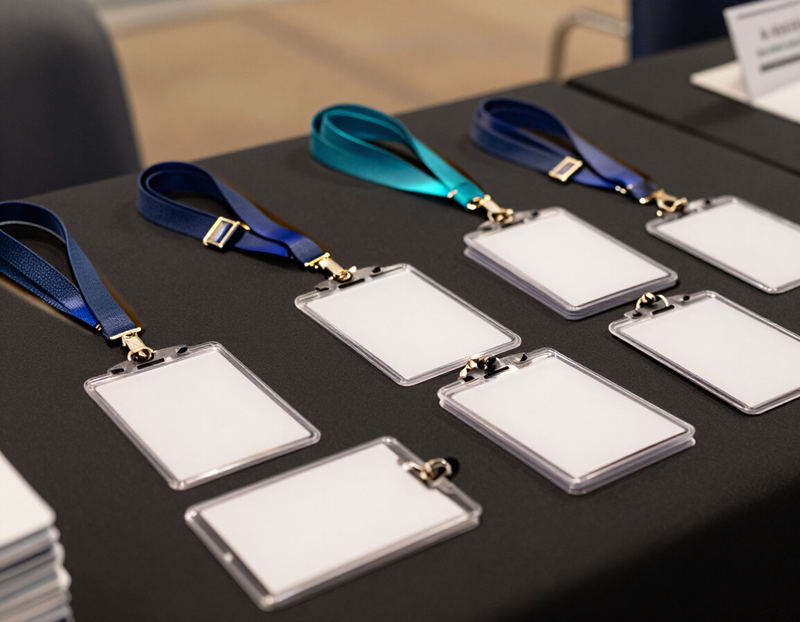
- Badge or lanyard for the team so staff and security recognize them.
- Early access to rooms before doors open for clean empty-room shots.
- Permission to work near the stage, in aisles or from a riser.
- A named contact for sponsors who want specific photos taken.
- A place to leave bags and charge batteries during the day.
Key moments to confirm in advance
Conferences repeat a handful of moments that matter to organizers. Ask whether your program includes a welcome address, a keynote, panel discussions, awards, a sponsor reception or a closing session, and mark which ones you need most.
Registration and arrival
The crowd, the badges and the first impression of the space.
Keynotes and panels
Speakers with a clear view of their face, slides and audience reaction.
Exhibit floor
Booth conversations and demos, shot with sponsors in mind.
Networking
Breaks, receptions and dinners where people actually talk.
Speakers, sponsors and releases
Speakers may have rules about being recorded or photographed. Some contracts limit use of a session recording. Check your speaker agreements and tell us who has agreed, who has not, and whether any session must stay off the record.
Sponsors often expect specific coverage of their booth, banner or logo placement. Share the sponsor list and any commitments you made, so the plan reflects what you promised them. We confirm in writing how sponsor images are shared.
Attendee privacy and notices
Attendees should know that photography and video are part of the event. Many organizers add a line to registration or post a sign at the entrance. Decide with your team how to handle attendees who would rather not appear, and tell us the plan so we can respect it.
If minors or student groups are attending, check with their guardians, school or sponsoring organization before sharing images publicly.
What affects the quote

The quote depends on the scope of your conference. The number of rooms, the length of the program, whether sessions are recorded in full, the number of people needed and the finished deliverables all shape the quote.
Other items to confirm in writing are second shooter availability, drone use where the venue allows it, raw footage, usage rights, music licensing, livestream needs and rush delivery. Each of these is an option to agree on, not an assumed inclusion.
Deliverables to consider include an online gallery sorted by session and sponsor, a short recap film, edited speaker clips for people who missed a talk, sponsor-ready images and teaser clips for next year's registration.
What to ask on the first call
Bring these to the first conversation. The answers shape the coverage and the quote.
- The full agenda with rooms, times and which sessions run at once.
- Which three or four moments matter most to leadership.
- What the photos and film will be used for, such as the website, sponsors or social.
- The sponsor list and any visibility commitments you made.
- Speaker agreements and any session that cannot be recorded.
- Who handles badges, room access and AV on the day.
- How attendees will be told about photography and video.
- Whether any session needs a direct audio feed from the venue.
- The date you hope to have images and clips back, so we can discuss timing.
Photography and videography for conferences
Conferences photography
Conference photos need to show the size of the event and the people behind it. We cover speakers, audiences and the in-between moments that give it life.
How photography worksConferences videography
Conference video extends the life of the event. Speaker recordings and a highlight film let people who missed it see what happened and why it is worth attending next time.
How videography works
Other events we cover
 WeddingsPhotos and film that hold on to the people, the promises and the small moments of your day.
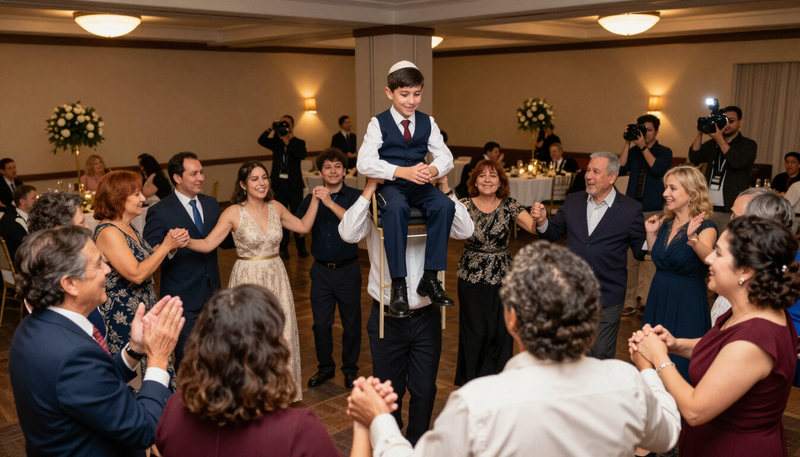 Bar and Bat MitzvahsCoverage of the service, the celebration and the milestone moments that make the day a family memory.
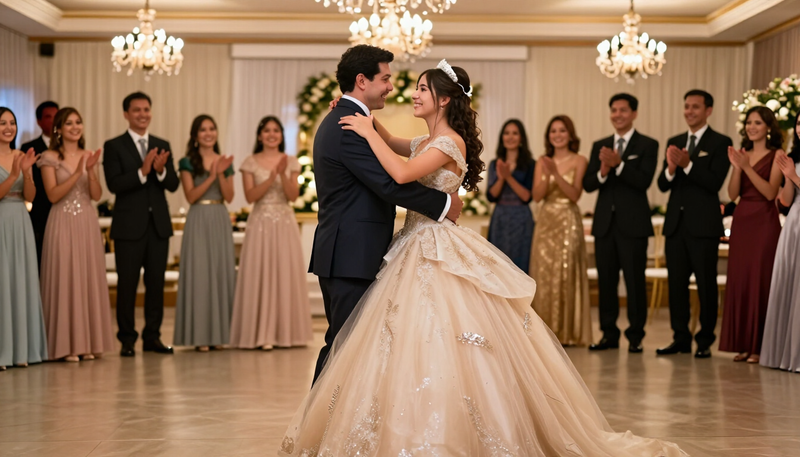 QuinceañerasPhoto and film of the traditions, the dances and the celebration of a girl's fifteenth birthday.
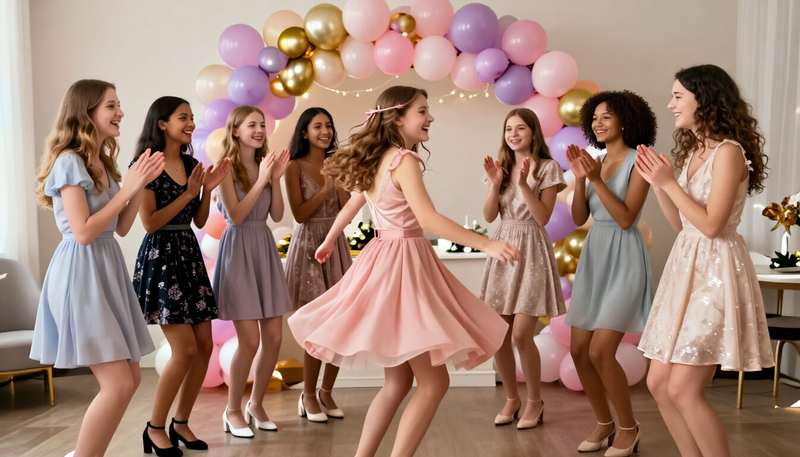 Sweet 16sFun, stylish coverage of a milestone party planned around the birthday teen and her friends.
 BirthdaysNatural, joyful coverage of birthday parties for kids, adults and milestone celebrations.
 GraduationsThe walk, the cap toss and the hugs that follow.
 Bridal showersThe laughter, gifts and games before the big day.
 Baby showersGifts, games and the first glimpse of a growing family.
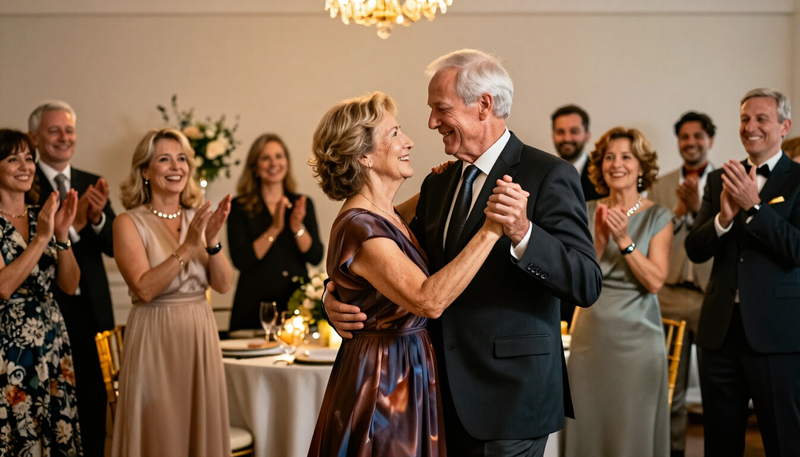 AnniversariesYears together, told through people and stories.
 Holiday partiesSeasonal gatherings, from family dinners to company parties.
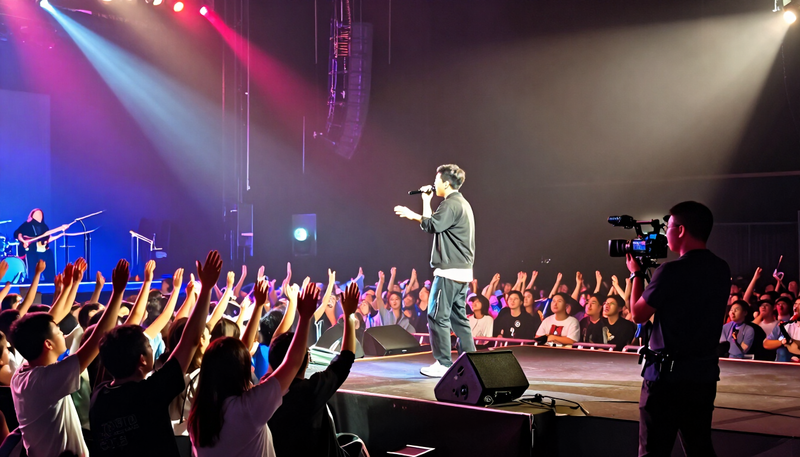 ConcertsCapture the energy of the stage and the crowd in front of it.
 PromsRemember the night with portraits, dancing and the details.
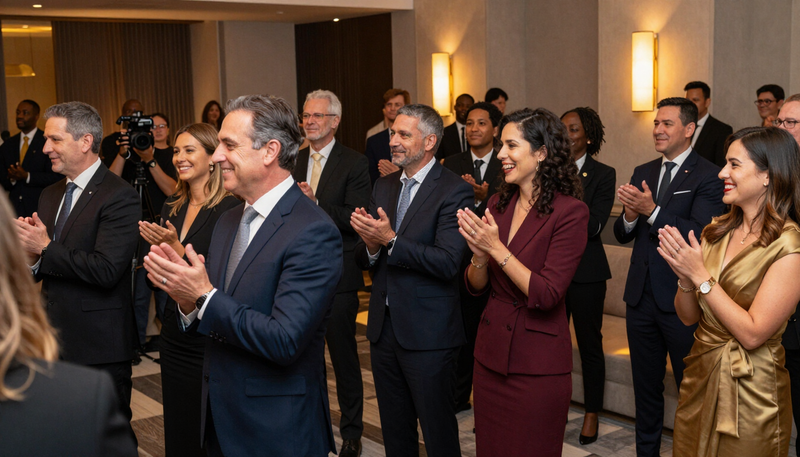 Corporate eventsDocument company milestones, launches and team gatherings.
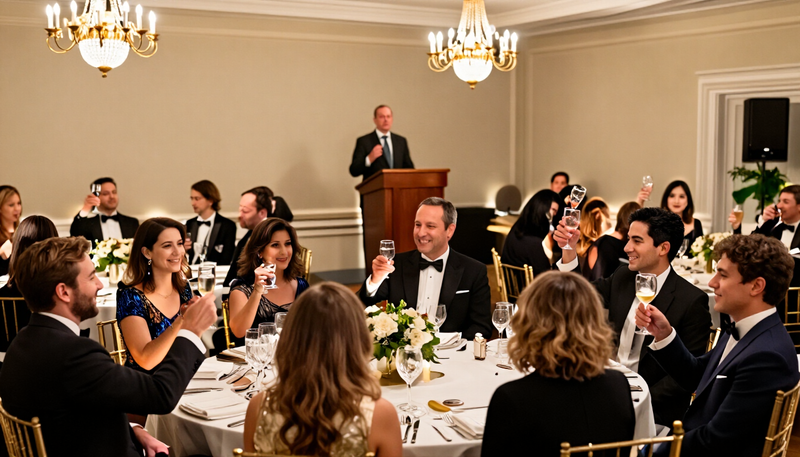 Fundraisers and galasTell the story of your cause and thank the people who gave.
Common questions
Can one person cover a whole conference?
It depends on the agenda. If sessions overlap, a single person has to choose where to be. We plan the coverage together and agree in writing which rooms and moments are included before the day.
Do you record full sessions?
That is an option to discuss. Recording a whole session means a stationary camera setup, clean audio and speaker consent. A highlight-style recap needs less time per room. Tell us what you plan to publish.
Can sponsors get their own photos?
Often yes, if you tell us in advance. Share the sponsor list and what was promised, and we plan time near booths and signage. How the images are shared with sponsors is confirmed in the quote.
What if a speaker does not want to be filmed?
Tell us before the day. We note those sessions and avoid them, or limit coverage to what the speaker approved. Check your speaker agreements to see what was agreed.
Do we need to tell attendees they are being photographed?
Most organizers include a short notice at registration or at the door. Decide your approach with your team or venue, and tell us if there are guests who prefer to stay off camera.
Can you help promote next year's conference with this footage?
We can plan clips and images with that use in mind, from a short promo reel to individual social posts. Confirm usage rights and music in the quote before editing begins.
Planning your conference?
Tell us what you want to make and where it will be used. We will talk through the plan with you.
Keep exploring
Tell us what you want to make.
Email tyler@legendphotoandfilm.com or call 860-255-8802.
Talk about your project