

Corporate video / Training and onboarding video
Training and onboarding video production in Connecticut
When you explain the same process to every new hire, you spend time you cannot get back. A well-made training video teaches it clearly, the same way, every time.
Why companies use training video
Training video makes instruction consistent. Everyone sees the same steps in the same order, whether they start this week or next year. It frees supervisors from repeating themselves and gives new people something to return to when they forget a step.
Topics that work well on video

Onboarding and orientation
A welcome, a tour of the facility and an introduction to how things work.
Step-by-step procedures
Show the task as it is really done, close enough that viewers can follow along.
Equipment and software walkthroughs
Screen recordings and close-ups of controls, paired with clear narration.
Policies and expectations
Explain the reasons behind rules so people remember them.
Customer service standards
Show good and poor handling of common situations.
Questions before you decide?
Tell us what you want to make and where it will be used. We will talk through the plan with you.
How we make training video clear
We start with what the learner needs to be able to do afterward, and build backward from there. We use close framing on hands and equipment, steady audio, and on-screen text for key steps. We keep each video focused on one job so it is easy to find and easy to update.
Built to be updated
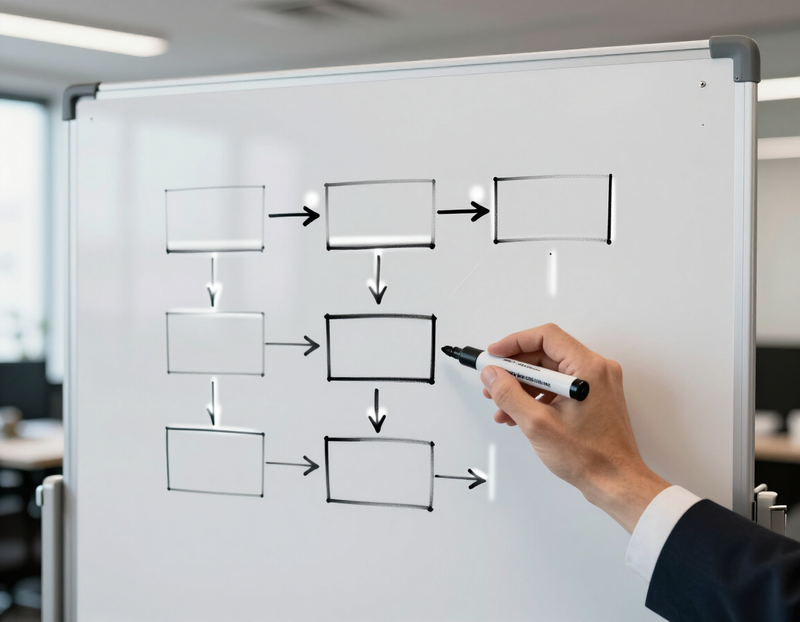
Processes change. We plan training video as short, separate pieces so you can replace one section without redoing the whole series.
What we need from you
Subject-matter expert
Someone who knows the task well and is available on shoot day.
Your standards
Existing manuals, checklists or policies we should match.
Access
Time in the space or on the equipment we are showing.
Review
A person who can confirm the steps are correct before final delivery.
How long should a training video run?
There is no correct length. The right length is the time it takes to teach one job. We will ask what the learner should be able to do afterward, and let that answer set the running time.
A useful test: could a new person watch, stop, and go try the task? One job per video makes that easy.
Splitting one topic into short modules
A long procedure usually breaks into natural parts. We plan those parts with your subject-matter expert before anyone picks up a camera, so each module has one purpose and a clear start and end.
Overview module
Why the task matters and what a finished result looks like.
One module per major step
Each step stands alone, so a person can find and rewatch the one they struggle with.
Common mistakes module
A separate piece showing what going wrong looks like, if your team wants one.
Planning for the day a procedure changes

Procedures change, and the video should not become a problem when they do. Ask about these choices and agree on them in the written quote. What an update costs is a quote question. It depends on whether the change needs new filming, new audio, or only a text edit, and we do not state a figure here. Ask how update work would be scoped and quoted before you sign.
- Modular scenes, so one step can be replaced without re-editing the whole series.
- On-screen text kept separate from the footage, so a changed number or step name can be edited without refilming.
- Source files and project files kept and labeled, with agreement on who holds them and for how long.
- A shot list recording how each step was filmed, so a replacement scene can match.
Filming across locations, shifts and sites
If the same task is done at more than one site or shift, tell us early. Each site may differ in equipment, layout or terminology.
We will ask whether one site can be the main example, whether differences should be shown, and who at each location can give access on the day. Filming during live operations needs its own plan for noise, safe movement and who appears on camera. Agree on it with your site lead before the shoot.
Captions, readable text and clear audio
Many people watch training with the sound off or need captions to follow along. Captions and transcripts are options to confirm in your quote, along with who checks specialized terms for accuracy.
We also plan for readability: on-screen text large enough for a small screen, held long enough to read. For audio, we will ask about the loudest parts of the space so we can decide how to record around them.
Did people understand it?
Quizzes, sign-offs and completion tracking belong to your learning system or supervisors, not the video file. Legend delivers the video. If you want it to pause for a question, tell us where, so we can leave room in the edit.
Sign-off before anything is used
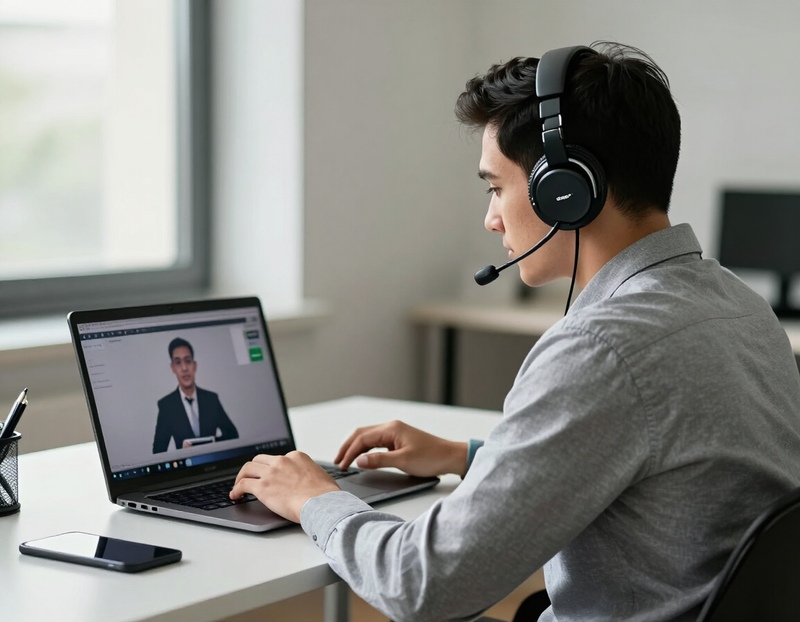
The subject-matter expert confirms the steps are correct and in order. A safety, HR or compliance reviewer confirms the video matches your policies. Decide who they are before filming, and agree in writing how drafts reach them and who gives final approval.
The procedure content belongs to your company. We shape it into a clear video but do not decide what is correct. If the topic is workplace safety, see our safety video page, which has a separate planning process.
Versions and file formats to ask about
A training video can be delivered in more than one form. Ask which of these you want listed in the quote.
- A full-length version, and per-module files loaded separately.
- A vertical version for phones, if your team views training on them.
- File types your learning system accepts. Check with whoever manages it and tell us before the shoot.
What to ask on the first call
Bring these to the first conversation. The answers shape the plan and the quote.
- The task or topic, and what a learner should be able to do afterward.
- Whether the topic is onboarding, a single procedure, or a series.
- Who the subject-matter expert is and when they are available.
- Which sites, shifts or locations will appear on camera.
- The learning platform or place where the videos will live, and its file requirements.
- Who reviews drafts for accuracy, and who gives final approval.
- How often this procedure is likely to change.
Other types of video
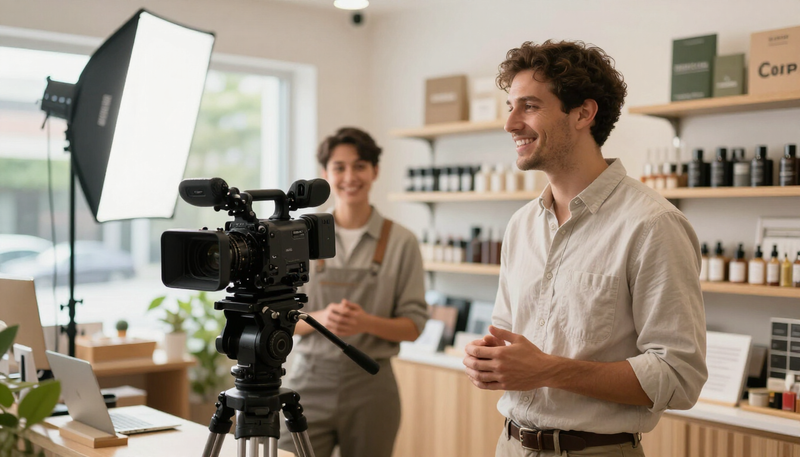 Promotional videoExplain what you do and why customers should care.
 Testimonial videoLet your customers explain what working with you is like.
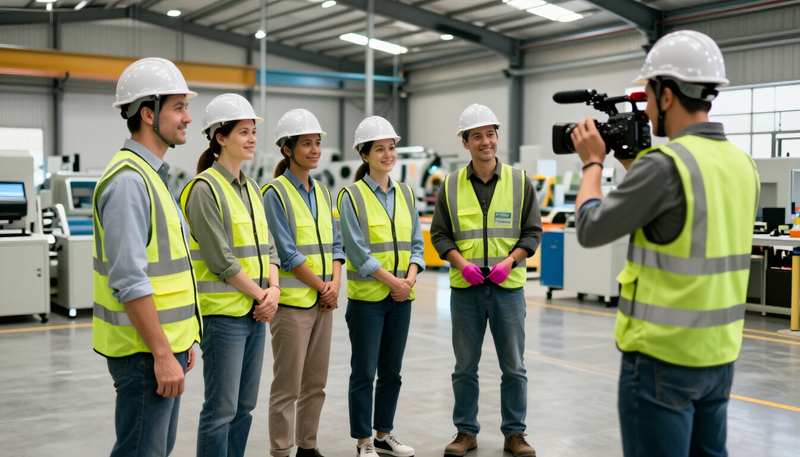 Safety videoClear, memorable safety instruction for your workplace.
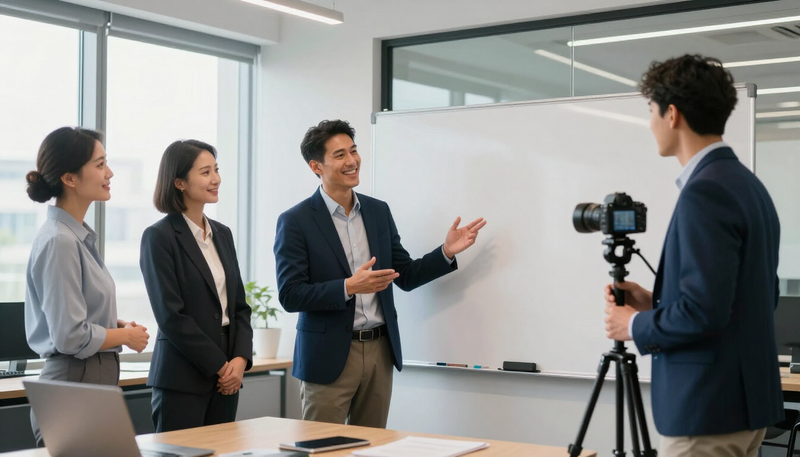 Explainer videoMake a complicated service or idea easy to understand.
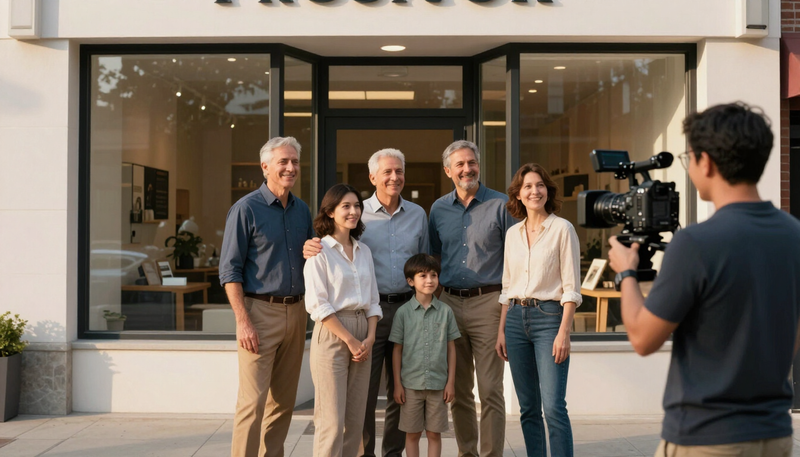 Brand story videoTell where you came from and why you do the work.
 Recruiting and company culture videoShow candidates what working with you is really like.
 Product and process videoShow how your product works or how the work gets done.
 Leadership message videoGive owners and executives a clear, human way to speak.
Common questions
Can you film at our workplace?
Yes. We plan the shoot around your schedule and work around safe operation of the space.
Can the videos go on our learning platform?
We deliver standard video files. Check what format your platform accepts and tell us when we plan.
Do you write the training content?
You know the task best. We help organize it into a clear order and then film and edit it.
Who confirms the steps are correct?
Someone at your company reviews the final video before it is used for training.
Can we reuse footage when a procedure changes?
Sometimes. If the changed step was filmed as its own scene, it may be replaceable without touching the rest. Ask during planning and confirm in the quote how updates are handled.
Who keeps the project files?
That is something to agree in writing before the shoot. Ask whether you receive source files, finished files only, or both, and for how long files are stored.
Do you provide quizzes or tracking?
No. Knowledge checks and completion tracking live in your learning system or training process. We deliver the video and can leave pauses where questions might go.
Is this the same as a safety video?
They overlap in style, but a safety video has its own planning and review needs. If your topic is safety, start with our safety video page.
Can you film while people are working?
It can be possible. Your site lead decides what is allowed, and we plan access and noise around it.
From the blog
Related posts and answers
 Corporate video
Employee training video production: planning lessons people finish
How to turn onboarding and process training into short video lessons: choosing topics, writing outcomes, structuring modules and keeping them current.
8 min read Corporate video
What makes a safety training video people actually watch
How to plan a safety video around a safety review: who owns the procedure, what we film, and how the finished lessons stay short and followable.
8 min read
Want to turn a process into a training video?
Tell us what you want to make and where it will be used. We will talk through the plan with you.
Keep exploring
Tell us what you want to make.
Email tyler@legendphotoandfilm.com or call 860-255-8802.
Talk about your project