
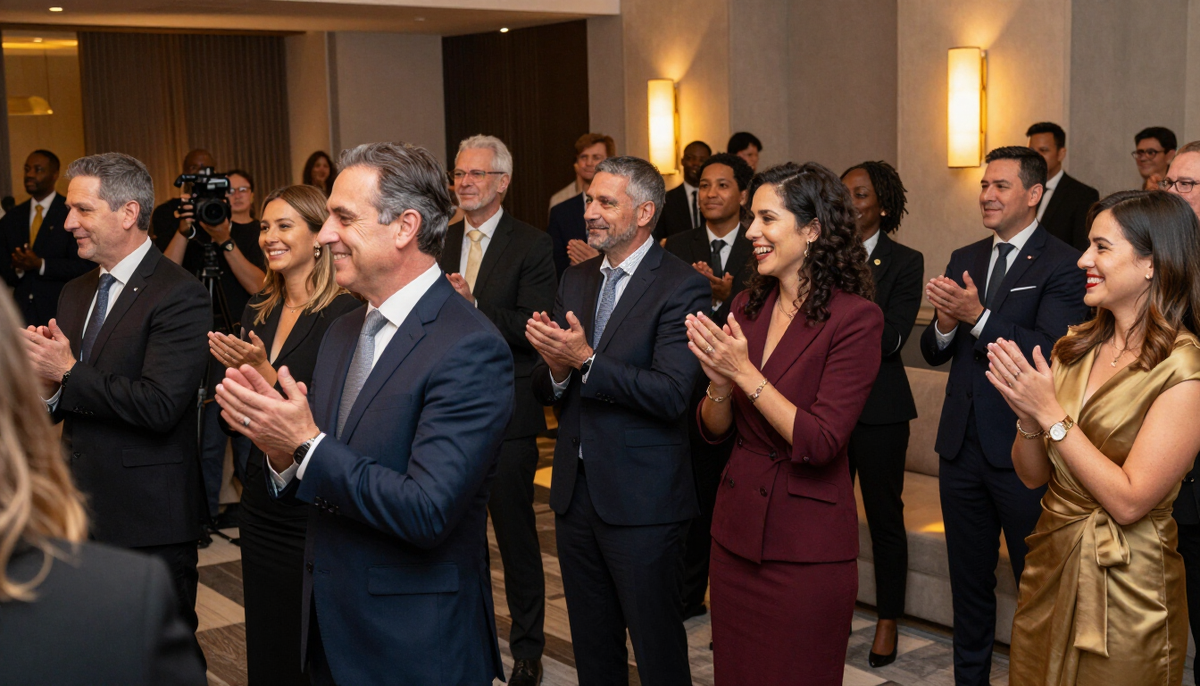
Events / Corporate events / Videography
Corporate event videography in Connecticut
Video turns a company event into something you can show again, to staff who missed it, to clients and to future hires. This page covers sound, formats and sign-off so the finished piece fits your brand.
Choose the film you need
Corporate event video is rarely one thing. Decide up front which pieces the team will actually use, since each one affects what we record on the day.
Recap film
A short piece with arrivals, remarks, reactions and b-roll. Suited to social, the website and the next invitation.
Full remarks
Complete speeches or presentations, with clean audio, for staff who could not attend.
Interview clips
Brief on-site conversations with leaders, clients or new hires, recorded in a quiet spot.
Short social cuts
Vertical or square clips pulled from the day for quick posting.
Audio decisions first
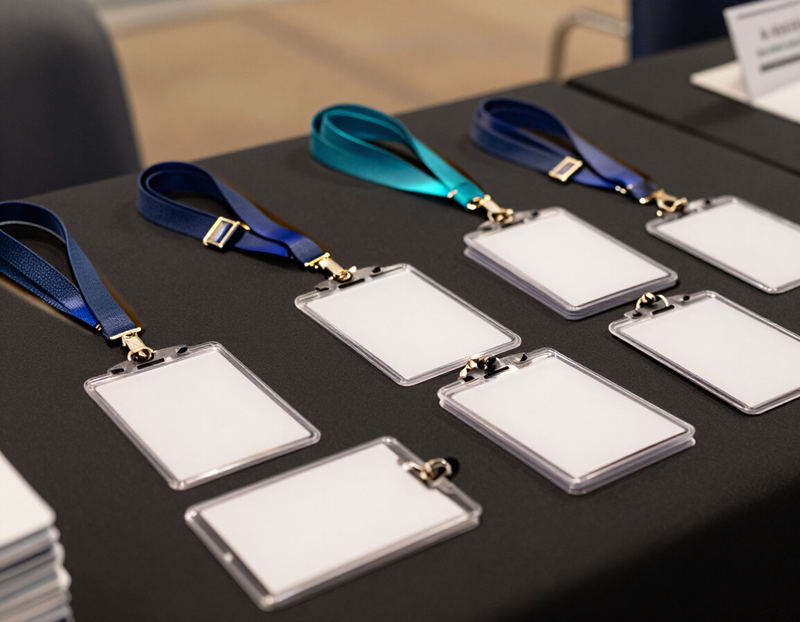
Corporate events often use a podium microphone, a headset mic or a handheld passed around. Ask the venue or AV vendor if a feed from their mixer is allowed. If not, we plan lavalier microphones or a recorder close to the speaker.
Loud music or a busy reception makes dialogue hard to hear. Interviews work better in a quiet side room or corridor. We can suggest a space during the walk-through, and you can reserve it for that purpose.
Questions before you decide?
Tell us what you want to make and where it will be used. We will talk through the plan with you.
Recording leaders and speakers
- Confirm which speakers agree to be recorded and shared.
- Ask whether teleprompters, slides or live captions will be used.
- Plan a camera position with a clear view that does not block the audience.
- Check stage lighting before the program starts.
- Agree whether a rehearsal can be recorded for backup.
Interview style and tone
A few short interviews can make a recap feel personal. Prepare two or three open questions, such as what the event means to the person or what they hope the company does next year. Keep them simple and give the person a moment before the camera is on.
Tone matters. A launch might call for energy, an anniversary for warmth, a client evening for something polished. Share examples of video you like so we can match the feel.
Brand, graphics and music

Tell us about logos, fonts and color rules. Send brand files if you want titles or lower thirds added. For music, decide whether you have a licensed track, want us to recommend sources or prefer natural sound only. Licensing details are confirmed in the written quote.
Avoid including background music that the venue plays during the event as a soundtrack. It may not be cleared for use.
Approval, sharing and screening
Decide who approves the edit and what changes are in scope. The written plan states the review steps and file formats. Common choices include a version for the website, one for social and one for on-site screens.
If the film will play at a later event, a team meeting or in the lobby, tell us the screen type, aspect ratio and playback equipment. Large files are shared by private link, and access can be limited to named people.
Low light and moving rooms

Evening events and dim ballrooms are hard on video. Faces can become grainy, and mixed lights change color from one corner to another. We check the room and, with permission, add light for interviews. For wider scenes we rely on the venue's lighting.
If your event moves between spaces, such as a tour followed by a presentation, tell us the route. We plan camera positions in advance and avoid blocking paths.
What to ask on the first call
Bring these to the first conversation. The answers shape the coverage and the quote.
- The kind of films you want, such as a recap, full remarks or interview clips.
- Who is speaking and whether they agree to be recorded.
- The AV setup and whether we can take a feed from the mixer.
- A quiet space for interviews, if wanted.
- Brand files, fonts and any approval steps.
- Whether you have licensed music or want sources suggested.
- Where the film will play and in what format.
- Who reviews the edit and how feedback reaches us.
Also see corporate events photography
Corporate events photography
Good corporate event photos show a company that is friendly and well run. We look for genuine moments and clean, professional images your team will use.
How photography works
Other events we cover
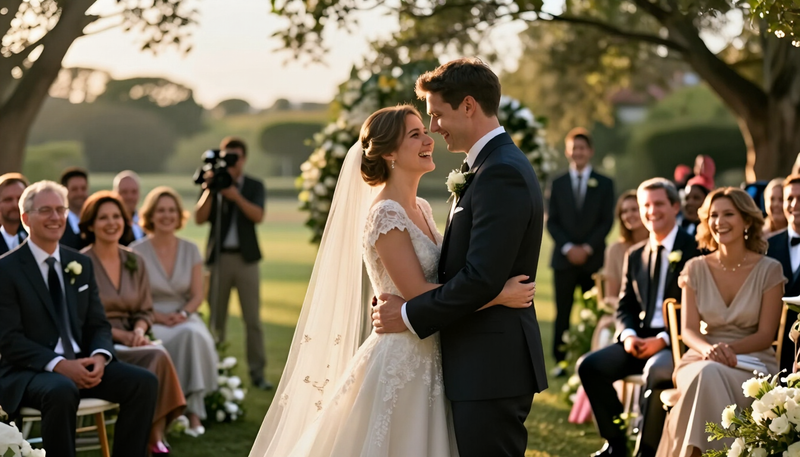 WeddingsPhotos and film that hold on to the people, the promises and the small moments of your day.
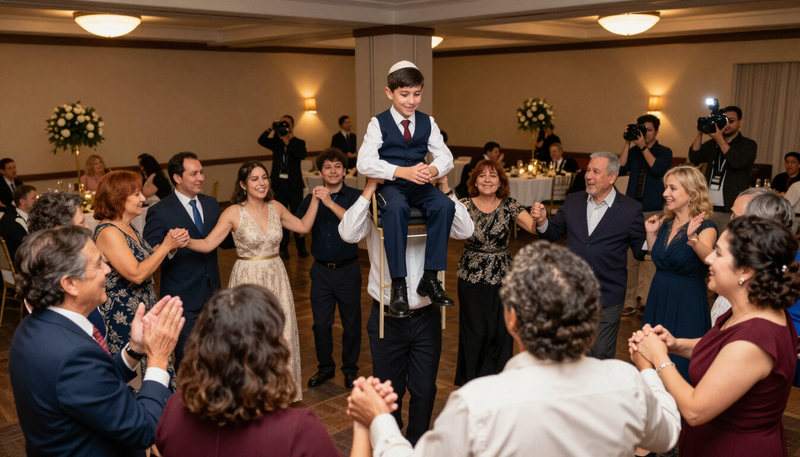 Bar and Bat MitzvahsCoverage of the service, the celebration and the milestone moments that make the day a family memory.
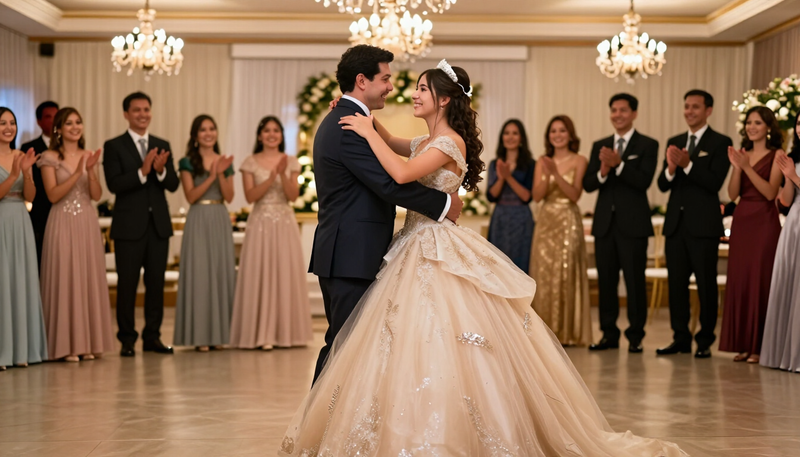 QuinceañerasPhoto and film of the traditions, the dances and the celebration of a girl's fifteenth birthday.
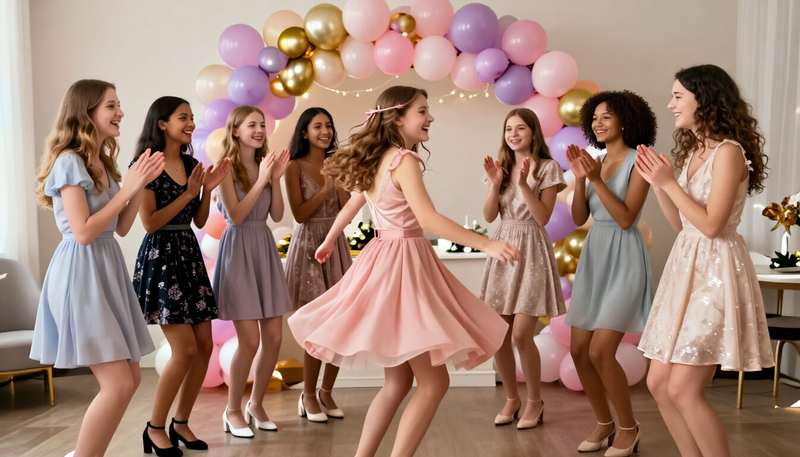 Sweet 16sFun, stylish coverage of a milestone party planned around the birthday teen and her friends.
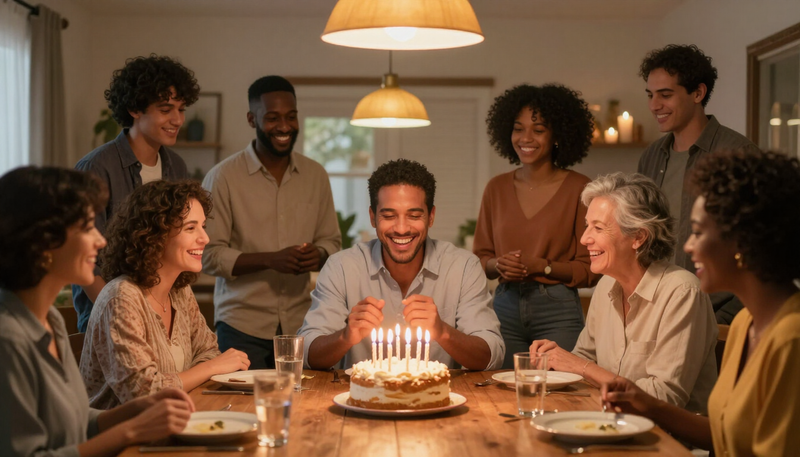 BirthdaysNatural, joyful coverage of birthday parties for kids, adults and milestone celebrations.
 GraduationsThe walk, the cap toss and the hugs that follow.
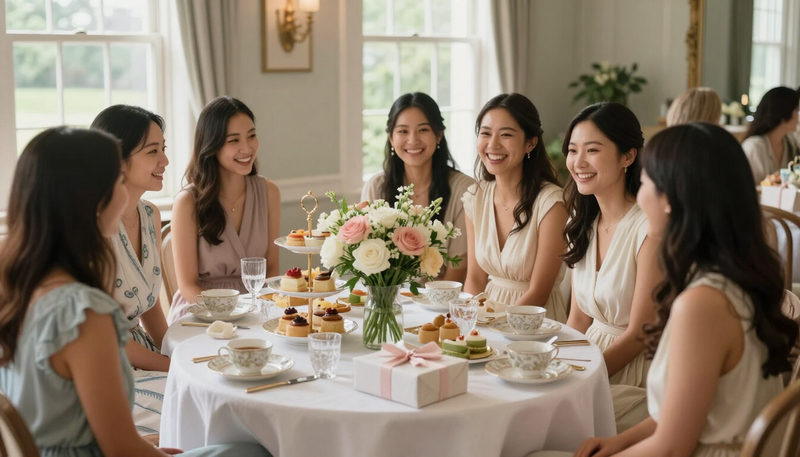 Bridal showersThe laughter, gifts and games before the big day.
 Baby showersGifts, games and the first glimpse of a growing family.
 AnniversariesYears together, told through people and stories.
 Holiday partiesSeasonal gatherings, from family dinners to company parties.
 ConcertsCapture the energy of the stage and the crowd in front of it.
 PromsRemember the night with portraits, dancing and the details.
 ConferencesShow the speakers, sessions and connections that made the event.
 Fundraisers and galasTell the story of your cause and thank the people who gave.
Common questions
Can you record a full presentation and also make a short recap?
Yes, if planned. Recording a full talk needs a stable camera and clean audio. The recap uses other angles and b-roll. We confirm both in the written plan.
How do you handle sound in a noisy reception?
Interviews are better in a quiet space. For the main room, we use microphones close to speakers and keep the natural sound of the party for the recap.
Do you add our logo and titles?
Yes, if you send brand files and tell us where titles should appear. Review the style on a sample frame before the full edit.
Can we use music from our marketing library?
Often yes. Ask your team whether the tracks cover video use on the channels you plan. We can also discuss other sources. Confirm everything before editing.
Can you livestream the event?
Livestreaming is an option to discuss, not a default service. It needs internet, extra equipment and a clear plan, so raise it early.
What formats do we receive?
Formats depend on where the film will play. Tell us the platforms and screens, and we confirm file types and sizes in the quote.
Ready to plan your corporate event videography?
Tell us what you want to make and where it will be used. We will talk through the plan with you.
Keep exploring
Tell us what you want to make.
Email tyler@legendphotoandfilm.com or call 860-255-8802.
Talk about your project