
Corporate video
Employee training video production: planning lessons people finish
How to turn onboarding and process training into short video lessons: choosing topics, writing outcomes, structuring modules and keeping them current.
By Tyler Rivera 8 min read

Training videos succeed or fail on planning, long before a camera is involved. The questions that matter most are instructional ones: what should someone be able to do after watching, which topics deserve a video at all, and how will you keep the lessons current. This guide covers the instructional design side of employee training video production for onboarding and process training. If you are planning a safety lesson, which is built around a safety review, read our separate safety video planning guide. For the logistics of the shoot day, see our guide to preparing for a corporate shoot.
Which topics are worth a video, and which belong in a document?
Not every piece of training should be a video. Our approach is to sort topics by how much they depend on seeing something happen. Video earns its place when a viewer needs to watch a person do something, hear a tone of voice or understand a place. A document is better when someone needs to look something up, copy exact numbers or scan a long list.
| Topic type | Video | Document |
|---|---|---|
| Walking through a software screen | Strong fit | Useful as a companion |
| Welcome from leadership and company story | Strong fit | Weak fit |
| Demonstrating a hands-on task | Strong fit | Supports it |
| Reference tables, policies and forms | Weak fit | Strong fit |
| Rules that change often | Only if easy to replace | Strong fit |
| Handling a customer conversation | Strong fit | Supports it |
A useful test is to ask whether a new hire would ask someone to show them. If the answer is yes, a video is worth considering. If they would ask where to find the number, write it down.
What should each lesson help someone do?
Every lesson should have one outcome written as an action: "set up a new client file," "explain how we handle a service request," "submit an expense." Write it before anything else. It guides the script, the footage and the length, and it gives your subject-matter expert something specific to check the finished video against.
If a lesson has two outcomes, it is usually two lessons. Splitting them keeps each video short, lets viewers return to the exact part they need and makes updating simpler. We do not make claims about how much any video will improve results, because that depends on your people and your process. Our job is to make the lesson clear and easy to maintain.
How should we structure the modules, and how long should they run?
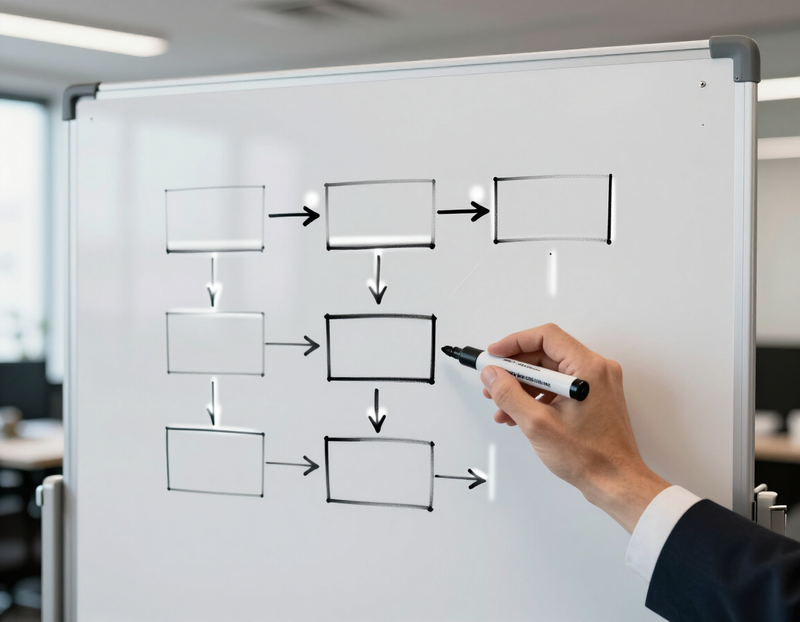
Think in modules: a short series in a sensible order, each with one outcome. Most onboarding series follow a similar arc: welcome and context, the tools people use daily, the core processes, how to get help. Keep a lesson as long as its outcome needs and no longer. A task with three steps does not need a long introduction.
Some structural habits we recommend:
- Open each lesson by naming the outcome in a sentence
- Keep an identical opening and closing so lessons feel like a set
- Number the lessons so people know where they are
- End with the next step, such as the next lesson or who to ask
This approach is the heart of corporate training video production, and it also applies to the broader goal to train a team.
Should we use a script, or let people explain in their own words?
Both work, and they suit different content. A script gives you control and precise wording, which suits policy-sensitive topics or short introductions. An unscripted explanation by someone who does the job gives you warmth and credibility, and it often catches the small details a script misses.
Here is how we choose between them:
- If exact wording matters, we script it with you and keep it tight.
- If the message is about how the job really works, we interview the person who does it and shape the answers into the lesson.
- If a topic needs both, we script the framing and let the expert explain the body.
When we interview people, we prepare questions from the lesson outcome, not a script to memorize. That gives the editor clean, natural material and avoids the stiff delivery that comes from reading lines.
What about animated or explainer-style lessons?
Some concepts are easier to show with graphics than with a camera, such as how a process flows between departments or how a policy fits together. For those, an explainer video can sit alongside the filmed lessons. We keep the same colors, type and tone so the series still feels like one program, and we use graphics only where they make the idea clearer than a person speaking would.

Where do screen recordings fit?
For software and system training, a screen recording shows precisely what to click, and an on-camera presenter adds the human voice and context. A mix of both is common: the presenter introduces the task, the screen shows the steps and the presenter closes with a summary. We can record the screen in the same session as the on-camera work so the cursor, voice and explanation all match. If the software looks different in next year's update, only that part needs to be replaced.
How do we keep lessons easy to update?
A training library is never finished. Processes change, software changes and people leave. The best way to protect your investment is to design for updates from the start.
- A consistent look. Same framing, same lower thirds, same music and same opening. A replaced clip then blends in with its neighbors.
- Short modules. A change affects one lesson, not a long program.
- Extra footage. We film a little more than the script needs, such as alternative takes and a few clean shots of the workspace, so a changed step can be replaced without a complete reshoot.
- Clean source files. We deliver the finished videos, and you decide how to store and manage them.
Where do the videos live, and what about knowledge checks?
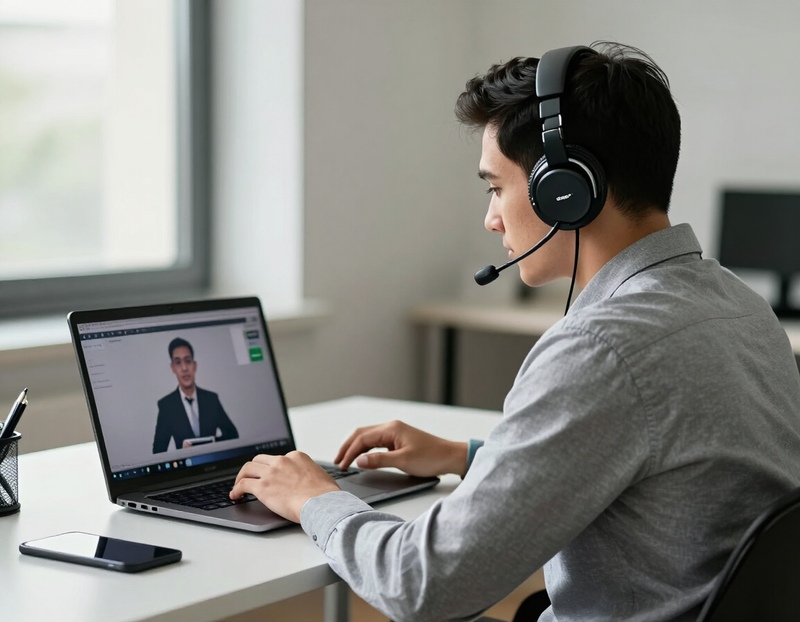
The videos belong in whatever system you already use to train people: your own learning platform, an intranet or a shared drive. We do not provide or host a learning system, and we do not track who watched what. If you already have one, we deliver files in a format that works with it.
Knowledge checks, quizzes and sign-offs live outside the video. They belong to your platform or your manager. We can help you plan which questions a lesson sets up, since a clear outcome makes writing the check easy, but the check itself is yours. That separation keeps the video simple and lets you change questions without touching the film.
Here is a hypothetical brief: a six-lesson onboarding series
This is an invented example, not a real client. Imagine a regional services firm with a new-hire onboarding process that it wants to put into six short lessons.
- Welcome and how the firm works. Leadership explains the story and the team structure, partly scripted.
- Your first week. A manager walks through the schedule and who to meet, in their own words.
- The tools we use. A screen recording with a presenter introducing each system.
- Setting up a new client. A staff member who does the job explains it, with screen footage.
- Handling a service request. Two colleagues act out a typical conversation, then explain the reasoning.
- Getting help. A short close naming people and places to turn to.
Review. A subject-matter expert for each lesson approves the outline, then the first cut. Placement. The firm adds the lessons to its own system and writes its own quizzes. Updates. Because the look is consistent and extra footage was filmed, a changed step in lesson four can be replaced without touching the others.
We make no promises about completion rates or results here. The aim is a clear, maintainable set of lessons.
How does the review with the subject-matter expert work?
The subject-matter expert is the person who knows whether a lesson is right. Our approach is to involve them at three points: the outline, the filming day and the first cut. At the outline, they confirm the steps and the order. On the day, they are available to answer questions, which saves a surprising amount of rework. On the first cut, they watch for accuracy, wording and anything that has changed since the lesson was planned.
It helps to name a single point of contact for feedback, so notes come in together. If two experts disagree, your team settles it before it reaches us. For comparing how a production partner handles review in general, see our guide to choosing a Connecticut video production company.
A common objection: "Why not just record a meeting?"
A recorded meeting is quick, and for an occasional internal note it may be enough. The tradeoff is that it carries the meeting's pauses, tangents and weak audio, and it is hard to edit into reusable lessons. If a topic will be watched many times by many people, a planned shoot usually pays for itself in clarity. If it will be watched once, a recording may be right. We would rather say that than sell you a bigger project than you need. The same footage planning also helps when you want to reuse a single shoot for other purposes.
Planning checklist
- Each topic is sorted into video or document
- Every lesson has one outcome written as an action
- Modules are numbered, short and in a sensible order
- Scripted and unscripted segments are chosen deliberately
- A subject-matter expert is named for each lesson
- Extra footage is planned for steps likely to change
- You know which system will hold the videos and who owns the quizzes
If you would like to see how we shoot and edit, look at our portfolio, or read about our wider corporate video services.
Frequently asked questions
How many lessons should an onboarding series have?
As many as there are distinct outcomes, and no more. Many firms find that a handful of short lessons covers the basics, but the right number comes from your process. We help you sort topics before anything is scheduled.
Do you build or host the learning platform?
No. We make the videos, and you place them in your own learning system, intranet or shared drive. We can supply files in the format your system accepts.
Can you include screen recordings?
Yes. Screen recordings work well for software and systems, and we often combine them with an on-camera presenter. We plan which parts to record on screen when we write the outline.
What if a process changes after the videos are made?
Because lessons are short and consistent, a change usually affects one video. We film extra footage so a single step can be replaced, and the same expert reviews the update.
Can employees appear in the videos instead of actors?
Yes, and we usually recommend it. People who do the job explain it best and are familiar to new hires. We help them feel comfortable with simple questions and short takes.


